
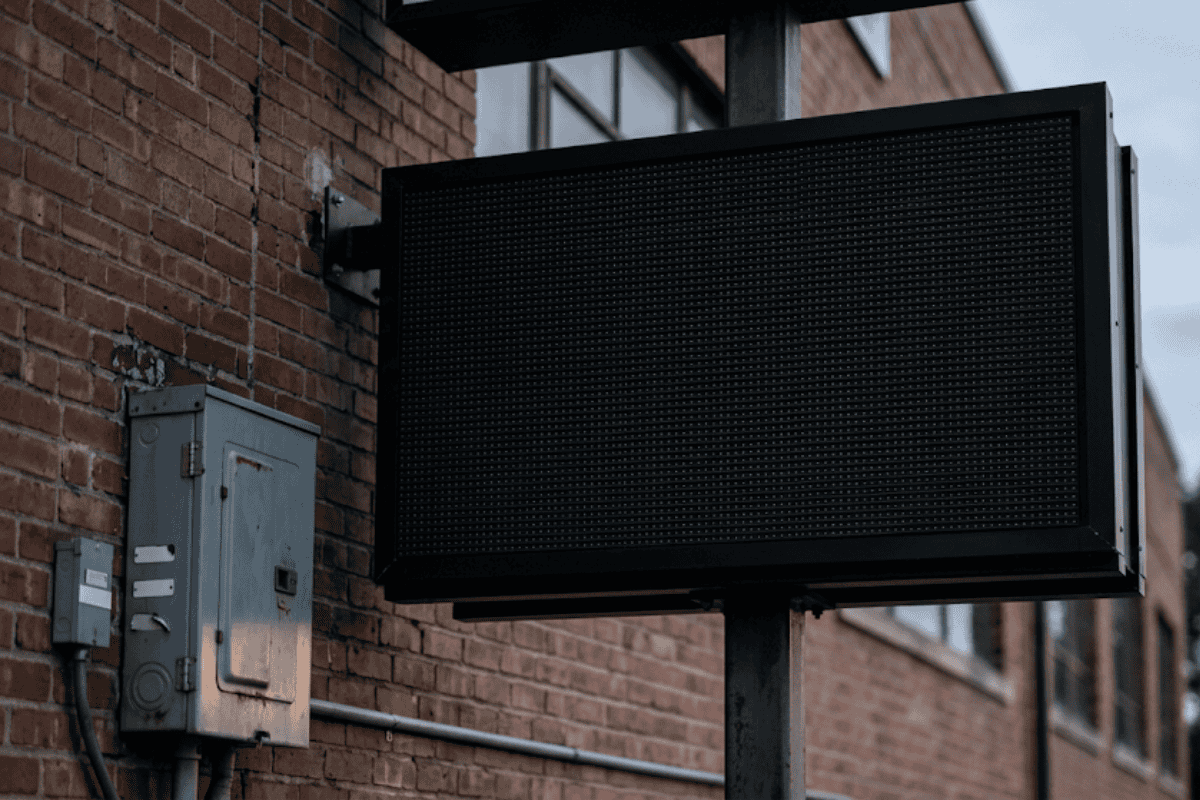
13 Aug What Happens to a Digital Sign When the Power Goes Out
What happens to a digital sign when the power goes out is straightforward: the display goes dark within a fraction of a second, and the controller inside loses only whatever frame or transition was actively rendering at that exact instant, not its stored playlist. For a business owner watching a storefront LED board or an electronic message center blink off mid-loop, that first moment can feel like the sign itself is broken. In most cases it isn’t. The full outcome depends heavily on how the unit is built, what kind of power protection sits between it and the wall, and how the electricity comes back once the outage ends.
Understanding the mechanics behind that blackout, and the restart that follows, helps a Broken Arrow, OK business owner tell the difference between a sign that will recover on its own and one that needs a technician on-site.
What Happens to a Digital Sign When the Power Goes Out, Inside the Cabinet
A digital sign is really three systems working together: the LED module or LCD panel that produces the image, the controller board that tells those pixels what to show, and a power supply that converts incoming AC voltage into the low-voltage DC current the electronics run on. When utility power drops, the power supply stops delivering current almost immediately, and the display goes black because there is nothing driving the pixels.
The controller behaves differently depending on where it stores information. Most modern sign controllers keep the active playlist, schedule, and configuration in non-volatile flash memory, similar to the storage in a phone or tablet, so that content survives the outage without being erased. What is typically lost is only the temporary session data, meaning whatever frame or transition was mid-play at the exact moment of the cut. On the next power-up, the controller reloads its stored settings from flash memory rather than rebuilding them from scratch, which is why most signs come back showing the same content they were displaying before the outage.
The bigger risk isn’t the outage itself, it’s the return of power. Utility restoration is rarely a clean, gradual event. It often arrives as a spike or a series of brief on-off cycles as crews re-energize circuits, and that surge is what actually damages sign electronics. A sudden voltage surge can overwhelm a power supply or controller board that has no protection ahead of it, and that is a very different outcome than the blackout during the outage.
Why the Sign Might Not Turn Back On by Itself
If the sign stays dark after utility power is confirmed restored, a few specific things are usually at fault. The internal power supply may have failed from the return-of-power surge, in which case the display and controller are fine but nothing is getting converted DC current. A tripped breaker or blown fuse on the sign’s dedicated circuit is another common cause, especially if the outage was accompanied by lightning. Federal guidance on outages recommends unplugging sensitive equipment and using surge protection specifically to avoid this scenario, since it’s easier to keep devices charged and disconnected than to repair a damaged board. Less often, the controller board itself sustains damage and needs a factory reset or replacement.
This is also where a sign’s power draw matters. A larger LED display with many modules pulls more current on startup than it does during steady operation, since every pixel driver initializes at once. On a circuit that is already marginal, that startup draw can trip a breaker even after the outage has ended, leaving an otherwise healthy sign stuck off. Business owners weighing a new display’s specifications should factor that startup surge into circuit planning the same way they’d think about any other lighting problem on their property, since a breaker that trips on startup and a sign that will not light up on its own often trace back to the same kind of electrical issue.
The Restart Sequence: What Recovery Actually Looks Like
Once power is stable, a well-designed digital sign should cycle through a predictable boot sequence: internal diagnostics, a brief blank or logo screen, then a reload of the last saved playlist. That process commonly takes anywhere from thirty seconds to a few minutes depending on the controller and how much content is stored. If the sign has a network connection to a cloud-based content management system, it may also need a minute or two to reconnect and confirm it is showing the current schedule rather than a stale one.
A sign that restarts but shows a scrambled image, a static test pattern, or a persistent error code is signaling something beyond a simple power interruption, most often a corrupted configuration file or a hardware fault on the driver board. In these cases the sign has technically recovered power but not function, and that distinction matters for anyone trying to diagnose the problem over the phone before a technician arrives.
Comparing Backup Power Options
The level of protection installed ahead of a digital sign is the single biggest factor in how it survives an outage and how fast it comes back online afterward. The table below lines up the four common setups against what typically happens to the sign and how long recovery tends to take.
| Backup Power Setup | What Happens to the Sign | Typical Recovery Time |
|---|---|---|
| No protection (direct outlet connection) | Display goes dark instantly; the return-of-power surge is a real risk to the power supply and controller board | Minutes if undamaged; days if the power supply or controller needs replacement |
| Basic surge protector | Display still goes dark during the outage, but the protector absorbs the voltage spike when utility power returns, shielding internal components | A few minutes once power is stable; low risk of hardware damage |
| Battery/UPS backup | Controller and settings stay powered through short outages so the display can keep running or shut down gracefully instead of cutting off abruptly | Immediate for brief outages; graceful shutdown avoids a hard restart entirely |
| Generator backup | Sign stays powered through extended outages once the generator engages, though there is typically a brief gap before transfer switches activate | Seconds to a couple of minutes for the transfer switch, then normal operation continues |
Those four rows tell most of the story on their own, but each is worth spelling out. A sign with no protection at all can come back in minutes if the components survive the return-of-power surge, but a damaged power supply or controller can leave a sign down for days while a replacement part is sourced and installed. A basic surge protector doesn’t stop the display from going dark during the outage, but it absorbs the incoming spike when utility power returns, which keeps the sign at low risk of hardware damage and back up within a few minutes. A UPS goes a step further, working as temporary backup power that keeps the controller and settings alive through short outages, so the display either keeps running or performs a graceful shutdown that avoids a hard restart entirely, recovering immediately once utility power returns. A generator sits behind both, keeping a sign powered through extended outages once it engages, with only a brief gap of seconds to a couple of minutes while the transfer switch activates before normal operation continues. Institutions that rely on continuous displays often pair that battery runtime with monitoring software that can trigger emergency power automatically the moment utility service drops. For signs running 24/7 in a customer-facing location, that difference in how the controller powers down often matters more than the outage length itself.
Talk to a Sign Technician About an Outage or Restart Issue For a sign that stayed dark, restarted incorrectly, or keeps tripping a breaker after storms roll through, reach out to Acura Neon to get a technician looking at the actual cause.
Why Choose Acura Neon for Power-Related Sign Issues
A dark sign after a storm rolls through Broken Arrow, OK is rarely convenient, and figuring out whether the problem is the utility, the breaker, or the sign itself isn’t always obvious from the sidewalk. Acura Neon fields calls about lighting outages and other urgent sign issues and works to deliver a fast response on-site, because a blank display in front of a business is lost visibility for every hour it stays that way.
Support doesn’t end at the outage. Once a sign is back on utility power, the restart itself can raise new questions: is the playlist showing correctly, did the schedule reset, does the controller need a manual reboot versus a factory reset. Acura Neon’s post-sale support covers those restart scenarios directly, walking a business through getting content back on screen correctly rather than leaving them to guess at a control panel. For businesses that lose power for extended stretches, treating a lengthy outage as an actual energy emergency rather than a quick inconvenience helps decide when a generator, rather than just a UPS, is the right call for keeping a sign running.
Conclusion: The Bottom Line on Sign Outages
A digital sign going dark during a power outage is expected behavior, not a malfunction, and in the large majority of cases the stored playlist and settings survive untouched in flash memory. What determines whether that sign comes back cleanly or needs a service call is almost entirely about what happens in the seconds after power returns, not during the outage itself. A reasonable rule of thumb: if a sign has gone through more than one or two outages this year without any surge protection in front of it, the cost of adding one is small compared to replacing a damaged power supply. For a business in Broken Arrow, OK dealing with a sign that won’t come back on after the lights are confirmed restored, getting a technician to look at the breaker, the power supply, and the controller in that order usually finds the answer fastest.
Get a Quote for Surge Protection or Sign Service. If a recent outage left a sign dark or acting up on restart, request a quote and get a clear read on what it will take to fix it.
Frequently Asked Questions
Will a digital sign lose its saved content or programming after a power outage?
In almost all cases no, because sign controllers store the active playlist and schedule in flash memory rather than in memory that requires continuous power. What can be lost is the specific frame or transition that was mid-play at the moment power cut, not the underlying content library. A sign that loses its full programming after a routine outage usually points to a hardware issue rather than normal behavior.
Why won’t my LED sign turn back on even though the power is confirmed restored?
The most common causes are a tripped breaker, a blown fuse on the sign’s dedicated circuit, or a power supply that failed from the voltage surge that often accompanies power restoration. Larger displays also draw more current at startup than during normal operation, which can trip a marginal breaker even after the outage has technically ended. Checking the breaker and the power supply first resolves the issue in most cases.
How long does it take for a digital sign to reboot after a power outage?
A typical reboot runs from about thirty seconds to a few minutes, covering internal diagnostics, a brief blank screen, and reloading the last saved playlist from memory. Signs connected to a cloud-based content system may need an extra minute or two to reconnect and verify the schedule is current. A restart that stretches well beyond that window, or that shows a scrambled image, usually signals a deeper problem.
Do I need a surge protector or a battery backup for a digital sign?
A surge protector guards against the voltage spike that often occurs when utility power returns, while a battery backup keeps the controller running through the outage itself. They solve different problems, and many commercial sign installations benefit from both rather than choosing one over the other. The right combination generally depends on how sensitive the sign’s operations are to any interruption at all.
Can a power surge permanently damage a digital sign’s controller?
Yes, an unprotected power surge, whether from lightning or from the return of utility power after an outage, can damage the controller board or the internal power supply beyond simple troubleshooting. That kind of damage typically shows up as a sign that powers on but displays nothing, shows a scrambled image, or fails to hold a network connection. It is one of the more common reasons a sign needs a technician visit rather than a simple reset.

Sorry, the comment form is closed at this time.