
14 Sep What File Type Does a Sign Shop Need for My Logo?
The most common mistake new business owners in Broken Arrow, Oklahoma make when ordering a sign is emailing a 400 pixel JPG pulled from their Facebook page and assuming the shop can “just make it bigger.” A JPG that looks sharp on a phone turns into a blurry, blocky smear at four feet wide, and it cannot be traced by a vinyl cutter or a CNC router at all. So what file type does a sign shop need for my logo? The short answer is a vector file: AI, EPS, SVG, or a PDF exported from a vector program. This guide explains why, how to tell what you already have, and what to do if the only copy of your logo is a raster image.
Vector Versus Raster: Why It Decides Everything
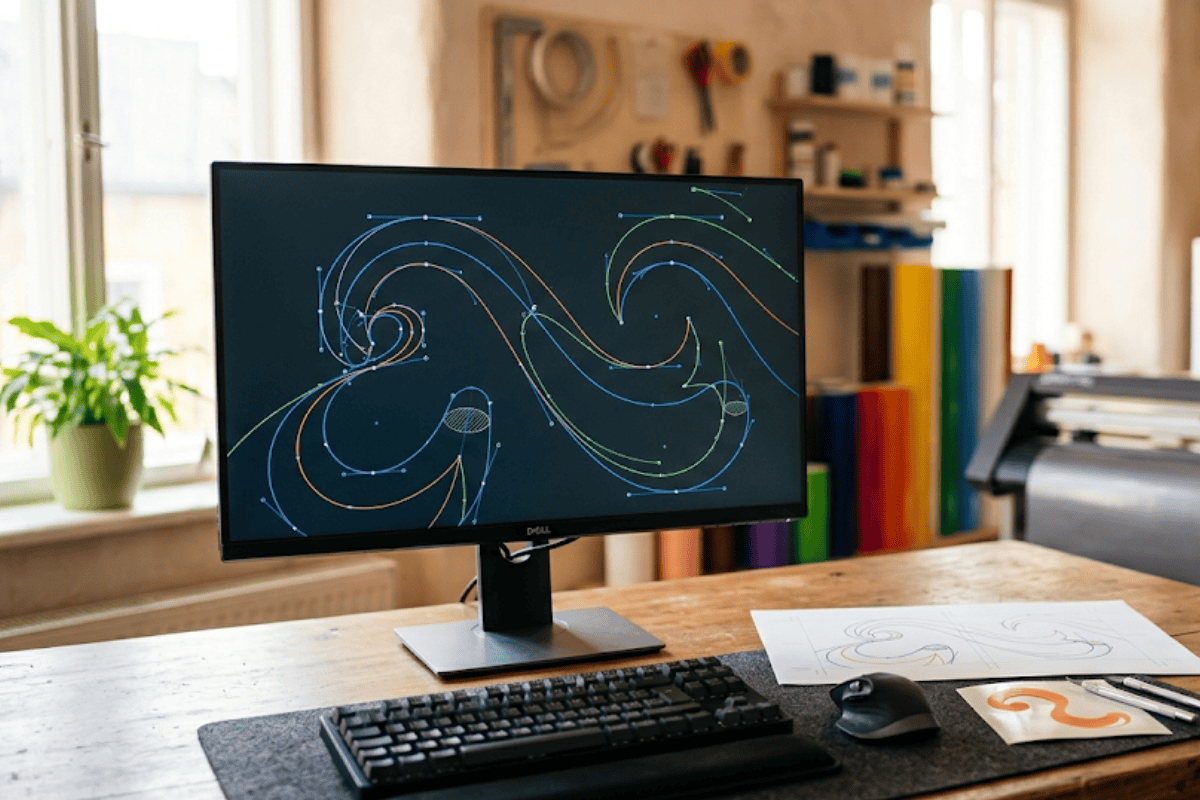
Every logo file falls into one of two families. Raster files (JPG, PNG, GIF, BMP, TIFF) are grids of colored pixels. Enlarge one and the pixels enlarge with it until the edges look like stair steps. Vector files (AI, EPS, SVG, and vector PDF) store the logo as mathematical paths and curves, which is why Adobe describes vector graphics as able to be resized and reshaped infinitely without losing quality. A sign shop works at a scale no website ever does. A logo that fills a business card at 3 inches may need to fill a channel letter set at 36 inches or a pylon face at 10 feet, and only a vector file survives that jump.
The second reason is fabrication. Cut vinyl, routed aluminum, acrylic faces, and channel letter returns all start from a machine following an outline path. The machine needs a path, not a picture. A raster file has no paths, so the shop has to trace it by hand or by software before any cutting can start, and that tracing is where small details in your logo get approximated or lost.
What File Type Does a Sign Shop Need for My Logo, Format by Format
Not all vector files behave the same, and a few “vector” formats can secretly contain raster images. The table below sums up what each format does when it lands on a sign designer’s desk.
| Format | Type | Scales cleanly to sign size? | Ready for cutting and routing? | Notes |
|---|---|---|---|---|
| AI (Adobe Illustrator) | Vector | Yes | Yes | Preferred master file; outline the fonts before sending |
| EPS | Vector | Yes | Yes | Spec frozen at version 3.0 in 1992; Microsoft Office blocked EPS import by default in 2017 |
| PDF (exported from a vector program) | Vector container | Yes, if fonts are embedded or outlined | Usually | A PDF made from a JPG is still a raster inside |
| SVG | Vector | Yes | Yes | Open W3C standard; common export from web designers and Canva Pro |
| PNG | Raster (lossless) | No | No, must be vectorized | Transparency does not make it scalable |
| JPG | Raster (lossy) | No | No, must be vectorized | 10:1 to 20:1 compression permanently discards detail |
AI is the preferred master file, and the fonts should be outlined before sending so the shop does not need your typeface installed. EPS is still accepted everywhere, though the Library of Congress notes that the EPS specification was frozen at version 3.0 in 1992 and that Microsoft Office blocked EPS import by default in 2017, which is why designers now send a PDF or AI alongside it. A PDF exported from a vector program works well as long as fonts are embedded or outlined; the print-industry PDF/X standard requires exactly that, but a PDF made by saving a JPG is still a raster inside. SVG is an open W3C standard and a common export from web designers and Canva Pro. PNG is lossless raster with transparency, useful for proofs but not for cutting because transparency does not make it scalable. JPG is the weakest option, since JPEG compression of 10:1 to 20:1 permanently discards detail that no software can recover.
Not sure what you have? Contact Acura Neon in Broken Arrow and send us the files. We will tell you within a day whether they are sign-ready.
How to Tell If Your Logo Is Already a Vector
You do not need design software to check. The fastest test is the file extension: .ai, .eps, and .svg are vector by definition. A .pdf needs one more step. Open it and zoom in to 800 percent or more; if the edges of the letters stay perfectly crisp, it is vector, and if they turn soft or blocky, it is a raster wrapped in a PDF. A second test is to open an SVG in any web browser and zoom with the mouse wheel. Vector art stays sharp at any magnification.
If your logo was designed by a professional, the vector master almost certainly exists somewhere. Ask the designer, check the original delivery email, or look through any Dropbox or Google Drive folder from the branding project. Federal graphics guidance from the U.S. Department of Education lists EPS as the preferred format for professional printing and sets 300 dpi as the print standard for raster images, which is a good benchmark if you are auditing what your designer left you.
What to Do When You Only Have a JPG or PNG
Plenty of businesses in Tulsa and Broken Arrow have a logo that lives only as a JPG someone made years ago. There are three realistic paths forward. The first is to send the highest-resolution raster you can find and let the sign shop redraw it as vector artwork, which is routine for simple wordmarks and shapes. The second is to have a designer recreate the logo from scratch in Illustrator, using the JPG as a reference. The third, if the logo has photographic elements or fine gradients that cannot be traced, is to treat the sign design as an opportunity to simplify the mark so it reads well at 60 feet, which most logos designed for screens were never built to do. Whichever path you take, insist on receiving the new vector master files at the end so the next sign, vehicle wrap, or banner starts from the right place.
The details that trip up file handoffs are small and easy to fix ahead of time. Before you email your logo to a sign designer, gather the following:
- The vector master file (AI, EPS, or SVG) with all text converted to outlines.
- A PDF export of the same artwork so the designer can preview it without opening the native file.
- Your brand colors as Pantone or CMYK values, since screen RGB values do not translate directly to paint, vinyl, or printed faces.
- The name of any font used in the logo, in case the shop needs it for matching tagline text.
- A note on which version of the logo is current if you have more than one.
Why Choose Acura Neon for Logo-Ready Sign Design in Broken Arrow
Vector cleanup is usually where a sign project either stalls for two weeks or moves straight into fabrication, and Acura Neon keeps that step in-house so it does not stall. Our design team in Broken Arrow, Oklahoma has an engineering background and retail experience, which means the person redrawing your JPG into cuttable paths is the same person thinking about how those paths will be routed from aluminum, cut from vinyl on our in-house plotters, or bent into channel letter returns on our production floor. That connection between design and manufacturing matters when a logo has a thin script or a tight inside corner that looks fine on a screen but will not hold up as a 2 inch deep letter. We flag those issues on the first proof rather than after the metal is cut. Explore our design services, read our guide on sign readability at a distance, and bring whatever logo file you have. We have worked from far worse than a Facebook profile picture.
Conclusion
A sign shop needs a vector logo file, and AI, EPS, SVG, or a properly exported PDF will all work. Raster files like JPG and PNG can only serve as references, because they cannot scale to sign size without losing quality and cannot drive a cutting machine. Check your file extensions, zoom in on any PDF, and ask your original designer for the master files before you order. If a vector does not exist, a sign shop in the Tulsa area can redraw your mark, and you should keep the resulting files for every project that follows.
Ready to turn your logo into a sign? Contact Acura Neon and our design team will start with the files you already have.
Frequently Asked Questions
What file format should a logo be in for signs?
A logo for sign production should be a vector file: AI, EPS, SVG, or a PDF exported from a vector program with fonts outlined. Vector files scale to any size without losing sharpness and provide the paths that cutting and routing equipment follow. JPG and PNG files are raster images and are only useful as references.
What is the difference between a vector and a raster logo file?
A raster file stores a logo as a fixed grid of pixels, so it blurs and shows blocky edges when enlarged. A vector file stores the logo as mathematical paths and curves, so it can be scaled to any size with perfectly crisp edges.
What if I don’t have a vector version of my logo?
Send the highest-resolution raster image you have and ask the sign shop or a designer to redraw it as vector artwork. Simple wordmarks and shapes can usually be recreated accurately, while photographic logos or fine gradients may need to be simplified.
How can I tell if my logo is a vector file?
Check the extension first: .ai, .eps, and .svg files are vector. For a PDF, open it and zoom in to 800 percent or more; vector edges stay perfectly sharp while raster edges become soft or blocky.
Why does my logo look blurry when I make it bigger?
Your logo is a raster image made of a fixed number of pixels. When you enlarge it, each pixel is stretched, which produces blur and stair-stepped edges. Only a vector version of the logo can be enlarged without that loss of quality.

Sorry, the comment form is closed at this time.